
Graphic Design
Digital Imaging
Digital Imaging
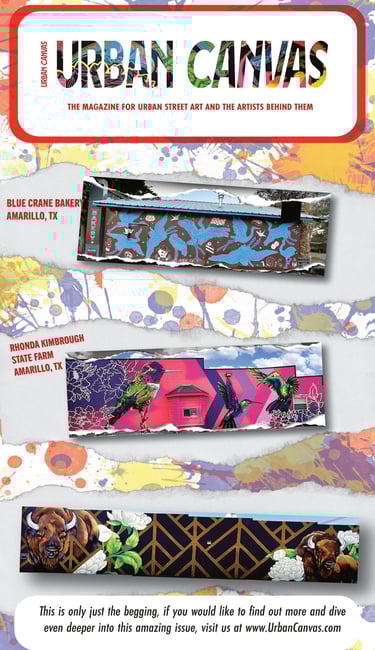
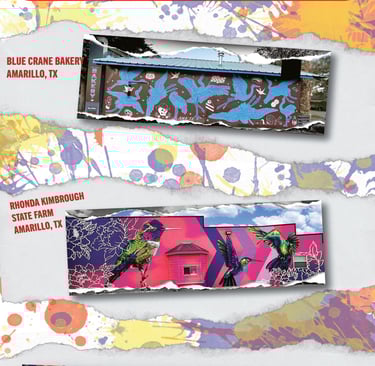
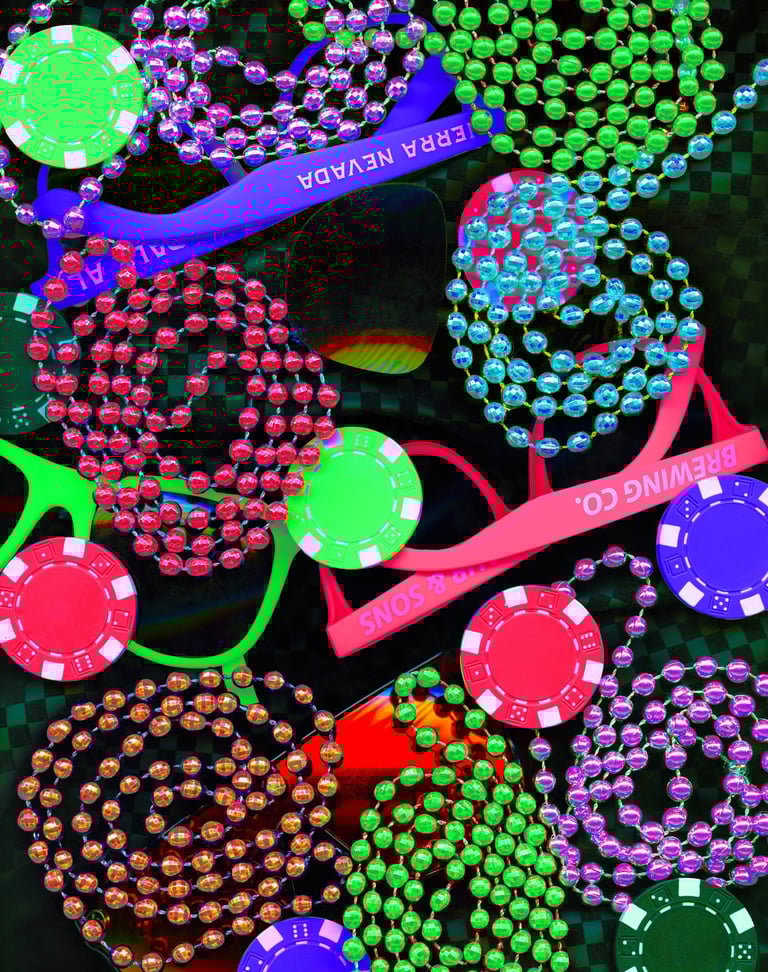
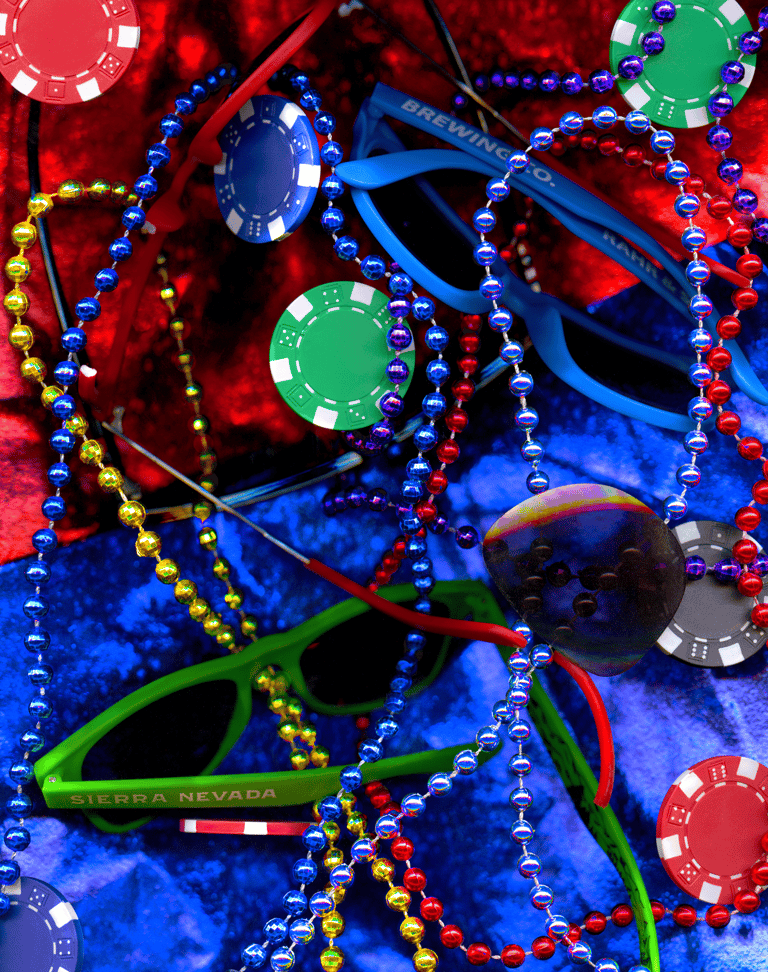
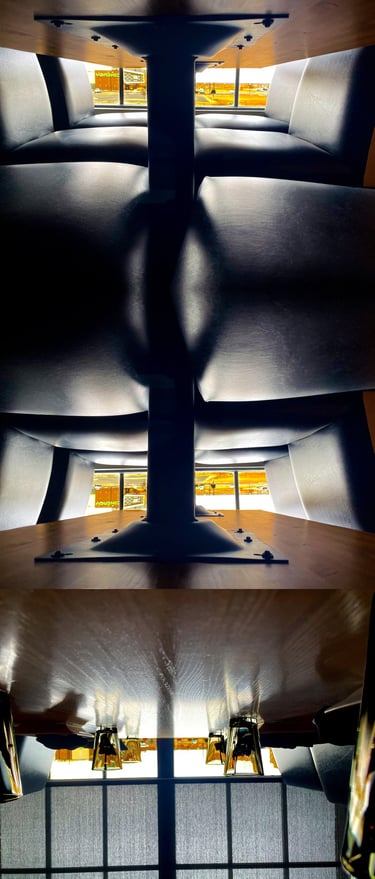
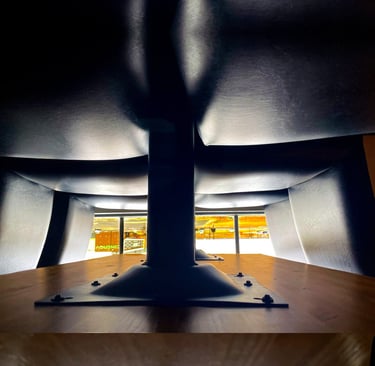
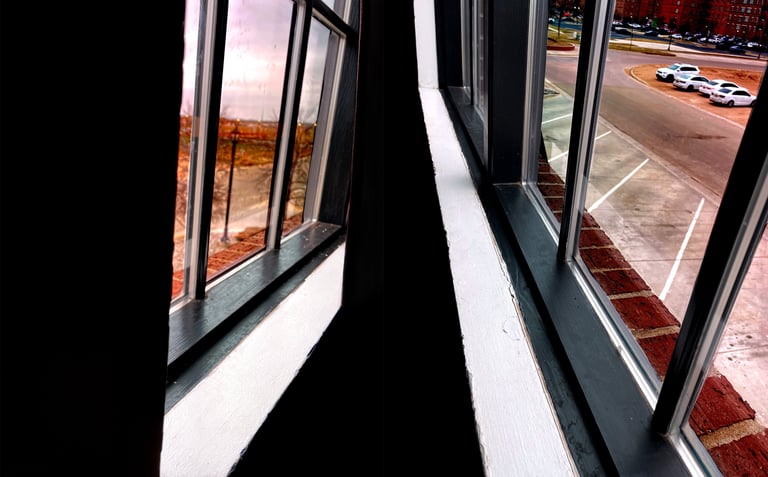
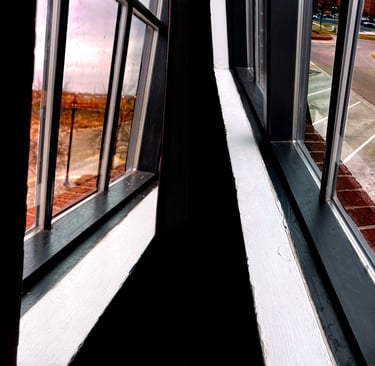
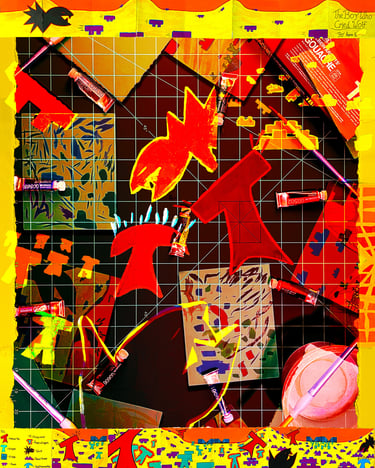
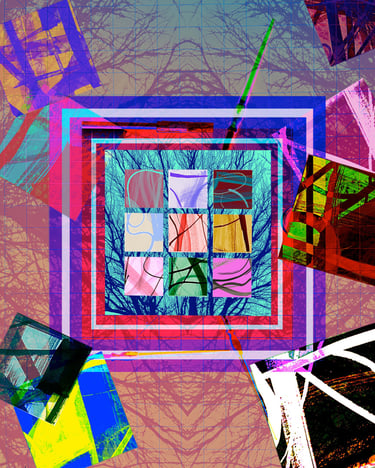
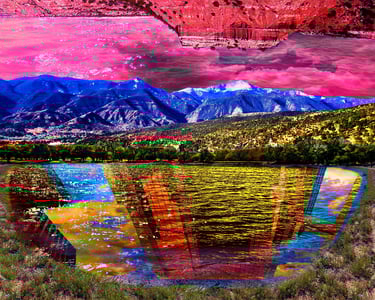
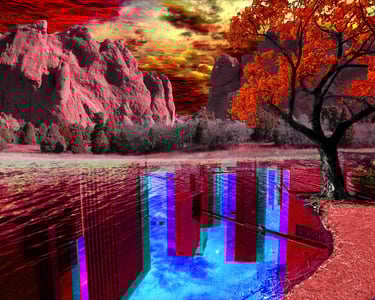
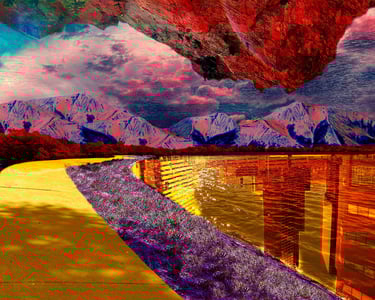
The objective of Digital Imaging was to understand the power of Photoshop and compositing images into new and creative artwork from photographs I took. To be able to take a photo I took and enhance, change, and create new and exciting works is something special in itself.
Purpose
Software Used
Adobe Photoshop, Adobe Illustrator, Adobe InDesign
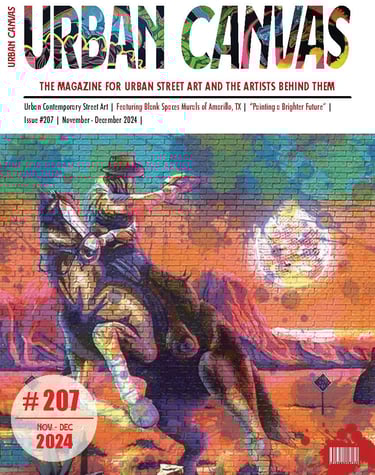
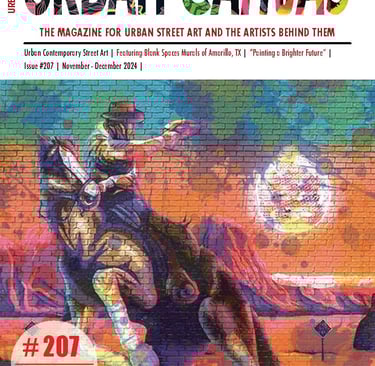
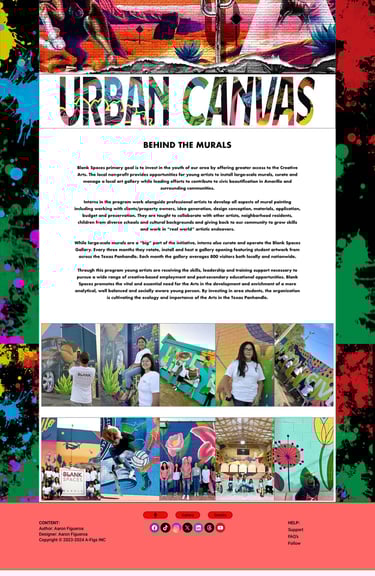
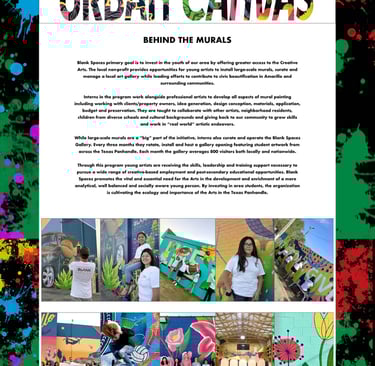
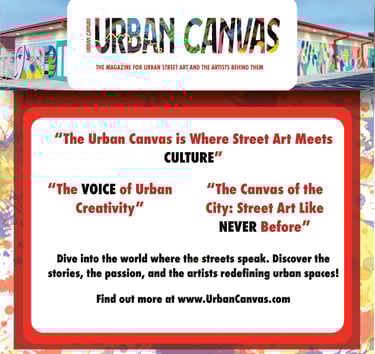
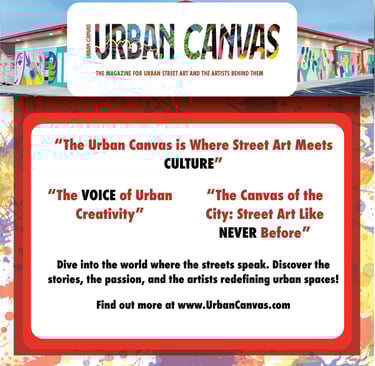
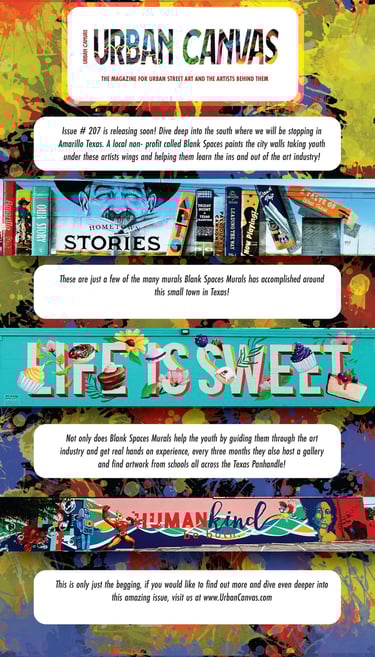
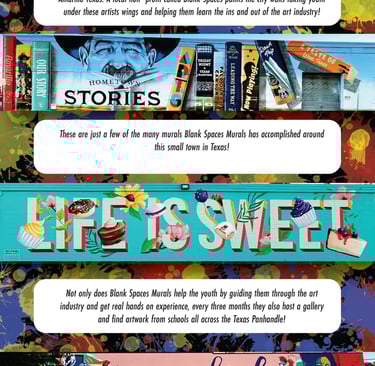
Magazine Campaign
The aim of developing a custom character in 2D is to gain expertise in character development, including turnarounds, walking, running, and jumping cycles, as well as transitions. This training involves the use of grease pencil software in Blender, encompassing a thorough understanding of keyframe animation, working at 24 frames per second, and exporting both images and videos, while striving to create a character that is both visually compelling and richly contextualized with its own background and motivations.
Purpose
Software Used
Blender 4.1, Adobe Photoshop, Adobe Illustrator, Adobe InDesign
Abstract
This robot specifically helped me learn to build a character, learn Forward Kinetics (FK), Inverse Kinematics (IK), rigging the bones, learn timing of keyframes for a 3D character, and how slight movements of the body can bring a character's walk, run, etc, to life and give it more character.
Purpose
Software Used
Blender4.3.1


Scanograms
The prompt for creating this robot was that it had to be made out of scraps and junk. The purpose of these animations was to build upon what I learned from the yellow robot build and create a unique and visually appealing robot out of scraps, from the ground up. From concept to environments to rigging, keyframing, lighting, and camera movement. I was also encouraged to incorporate 2D elements into my 3D environment. On top of everything, when working on my avatar animations, I learned a lot about textures, texture painting, and how to work with nodes and the shader editor Blender offers.
Purpose
Software Used
Blender4.3.1, Adobe Photoshop
Juxtaposition
The aim of developing a custom character in 2D is to gain expertise in character development, including turnarounds, walking, running, and jumping cycles, as well as transitions. This training involves the use of grease pencil software in Blender, encompassing a thorough understanding of keyframe animation, working at 24 frames per second, and exporting both images and videos, while striving to create a character that is both visually compelling and richly contextualized with its own background and motivations.
Purpose
Software Used
Blender 4.1, Adobe Photoshop, Adobe Illustrator, Adobe InDesign
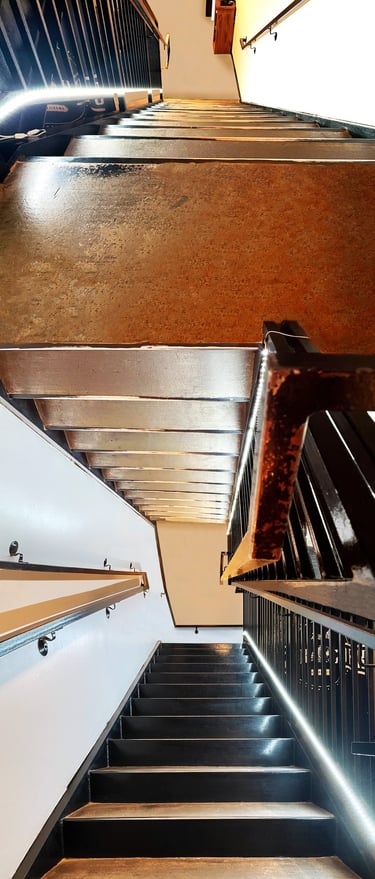
Transperency
The objective of these animations is to build on what I have learned in Blender's 2D Grease Pencil software and carry it over to Blender's 3D side. The goal was to focus on modelling, rigging, and animating custom characters while implementing keyframe timing, lighting, and camera work.
Purpose
Software Used
Adobe Photoshop, Adobe Illustrator, Adobe InDesign
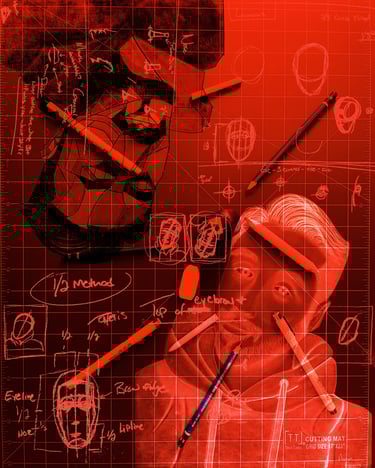
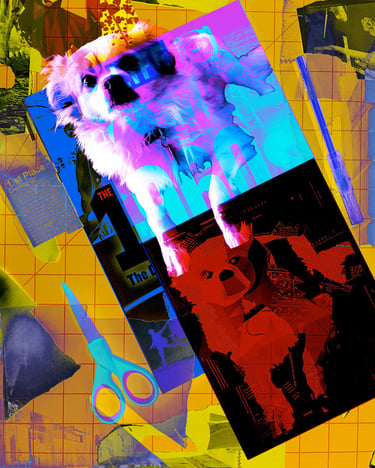
Created Spaces
This robot specifically helped me learn to build a character, learn Forward Kinetics (FK), Inverse Kinematics (IK), rigging the bones, learn timing of keyframes for a 3D character, and how slight movements of the body can bring a character's walk, run, etc, to life and give it more character.
Purpose
Software Used
Blender4.3.1

Projects
Explore my diverse artistic works.

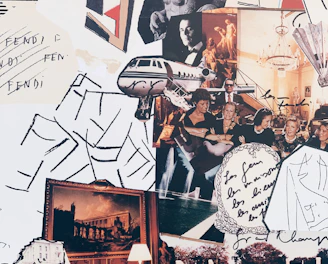
Animation
Discover my animated creations in 2D and 3D formats.


Graphic Design
View my graphic design works including logos and typography.
Aaron's art showcases incredible talent and creativity, truly inspiring.
Alex


★★★★★
Contact
Phone
aaronfigueroa77@gmail.com
(806) 677-6292
© 2025. All rights reserved.